What Is Cdiphone?
Cdiphone is a non-standard term that combines the words “CD” and “iPhone.” It does not refer to an official Apple device, technology, or iPhone model.
Online, the term is used in several ways. The most common meaning relates to moving music from compact discs to an iPhone. Some websites also use Cdiphone to describe a hypothetical smartphone that could work with physical CDs.
This distinction is important because many online pages describe Cdiphone as if it were a real Apple product. There is no reliable evidence that Apple has released an iPhone called Cdiphone. Apple’s official product naming follows established iPhone model names instead.
For this reason, Cdiphone is best understood as an informal internet term rather than a confirmed Apple product.
Why Is Cdiphone Being Discussed?
The term brings together two different stages of consumer technology.
Compact discs were once a common way to buy and store music. People could purchase an album, keep the physical disc, and play it using a CD player. Music later moved toward digital downloads, smartphones, and streaming services.
The iPhone became an important part of that change. Apple introduced the original iPhone in 2007 as a device that combined a phone, an iPod, and an internet communicator. The iPod connection was especially important for digital music, but the iPhone was not designed as a CD player.
This history helps explain why the phrase Cdiphone can appear attractive. It suggests a connection between physical music collections and modern mobile devices. However, the name itself should not be treated as evidence of an official Apple product.
How Cdiphone Works
Because Cdiphone is not a single product, there is no official Cdiphone system or technical process.
When the term is used for CD music on an iPhone, the basic process is straightforward. Music is first taken from a physical CD and converted into digital audio files. Those files can then be organized in a music library and transferred to an iPhone.
The process normally includes these steps:
| Step | What happens |
|---|---|
| 1. Insert the CD | The music disc is placed in a compatible computer CD drive. |
| 2. Import the music | The computer reads the tracks and converts them into digital files. |
| 3. Check the tracks | Song names, artists, albums, and other information are reviewed. |
| 4. Store the files | The imported music is saved in a digital music library. |
| 5. Transfer to iPhone | Compatible music files are synced or transferred to the iPhone. |
| 6. Play the music | The songs can be accessed through the iPhone’s music system. |
This method does not require a special device called a Cdiphone. It uses normal CD importing and iPhone music management methods.
Can an iPhone Play a CD Directly?
A standard iPhone does not have a built-in CD drive. CDs require an optical drive that can physically read the disc.
This is one of the main reasons that the term Cdiphone can be confusing. A reader may assume that an iPhone can accept a CD through a special slot. Modern iPhones are not designed this way.
A CD also has different physical and technical requirements from flash storage. An optical drive needs a disc mechanism, a laser reader, moving parts, and enough physical space. These requirements do not fit easily into the thin design of a modern smartphone.
As a result, the practical approach is to use a computer or another suitable device to read the CD first. The resulting digital music can then be transferred to the iPhone.
Is Cdiphone a Real Apple Product?
No confirmed Apple product has the official name Cdiphone.
This is the most important fact to understand when researching the term. Several websites use Cdiphone as a product-style name or describe it as a futuristic phone concept. These descriptions should not be confused with an official Apple announcement.
Some online discussions also use Cdiphone as a shortened or informal reference. Other pages describe a fictional phone that combines a smartphone with CD technology. These different uses explain why search results can provide conflicting information.
A reliable source should be checked before treating any claim about a new Apple product as factual.
Cdiphone and CD Music Transfer
For many searches, Cdiphone is most useful when understood as a CD to iPhone workflow.
Someone may already own music on CDs but want to listen to those songs on an iPhone. In that situation, the goal is not to make the iPhone read the physical disc. The goal is to create digital copies of the music and add them to the phone’s music library.
The quality of the result depends on the format and settings used during CD importing. Lossless formats can preserve more of the original audio information, while compressed formats can use less storage space.
Metadata is also important. Correct album names, artist names, track titles, and artwork make a digital music library easier to organize.
What You Need to Transfer CD Music
The equipment needed depends on the computer and the music management method being used.
A typical setup may include:
- A music CD
- A Mac or Windows computer
- A compatible optical CD drive
- CD importing software
- A digital music library
- An iPhone
- A suitable method for syncing or transferring the music
People with newer computers may need an external CD drive because many modern computers no longer include built-in optical drives.
The important point is that the CD drive is normally connected to the computer rather than built into the iPhone.
Cdiphone Compared With Streaming
CD music and streaming provide different ways to access audio.
| Feature | CD music transferred to iPhone | Streaming |
|---|---|---|
| Original physical media | Yes | No |
| Internet required for playback | Usually no after transfer | Often required for streaming |
| Ownership of physical CD | Yes | No |
| Storage required on iPhone | Yes | Depends on offline downloads |
| Music source | Personal CD collection | Streaming service |
| Internet subscription | Not required for the transferred files | Usually required for full service access |
A transferred CD library can be useful for people who already own physical albums. It can also provide access to music that is not available on a particular streaming service.
Common Misunderstandings About Cdiphone
Several claims about Cdiphone can cause confusion.
Cdiphone Is Not an Official iPhone Model
There is no established iPhone model officially named Cdiphone. Treating the term as an Apple product name can lead to inaccurate information.
Cdiphone Does Not Mean Every iPhone Has a CD Drive
Modern iPhones do not include a built-in optical CD drive. A physical CD cannot simply be inserted into an iPhone.
Cdiphone Is Not a Single Technology
There is no official Cdiphone operating system, hardware standard, or Apple feature. The meaning changes according to the context in which the term is used.
Concept Images Are Not Product Evidence
Images showing an iPhone with a disc slot or other CD features may represent design concepts. They do not prove that Apple has created or announced such a device.
What to Check Before Buying a Cdiphone Device
If a website claims to sell a “Cdiphone,” check the product information carefully.
Look for the actual manufacturer, model number, operating system, technical specifications, warranty information, and official documentation. Do not rely only on product images or a page title.
It is also useful to check whether the device is genuinely an Apple product or simply a third-party product using the word Cdiphone in its marketing.
A product described as “Cdiphone” may be an unrelated device, an accessory, a concept, or a third-party solution for moving CD music to a smartphone.
The Practical Way to Use CD Music With an iPhone
For most users, the simplest approach is still to import CD music on a computer and then transfer the digital tracks to the iPhone.
This method avoids the need for a built-in CD mechanism. It also gives users more control over file formats, music organization, storage, and metadata.
The workflow can be summarized as:
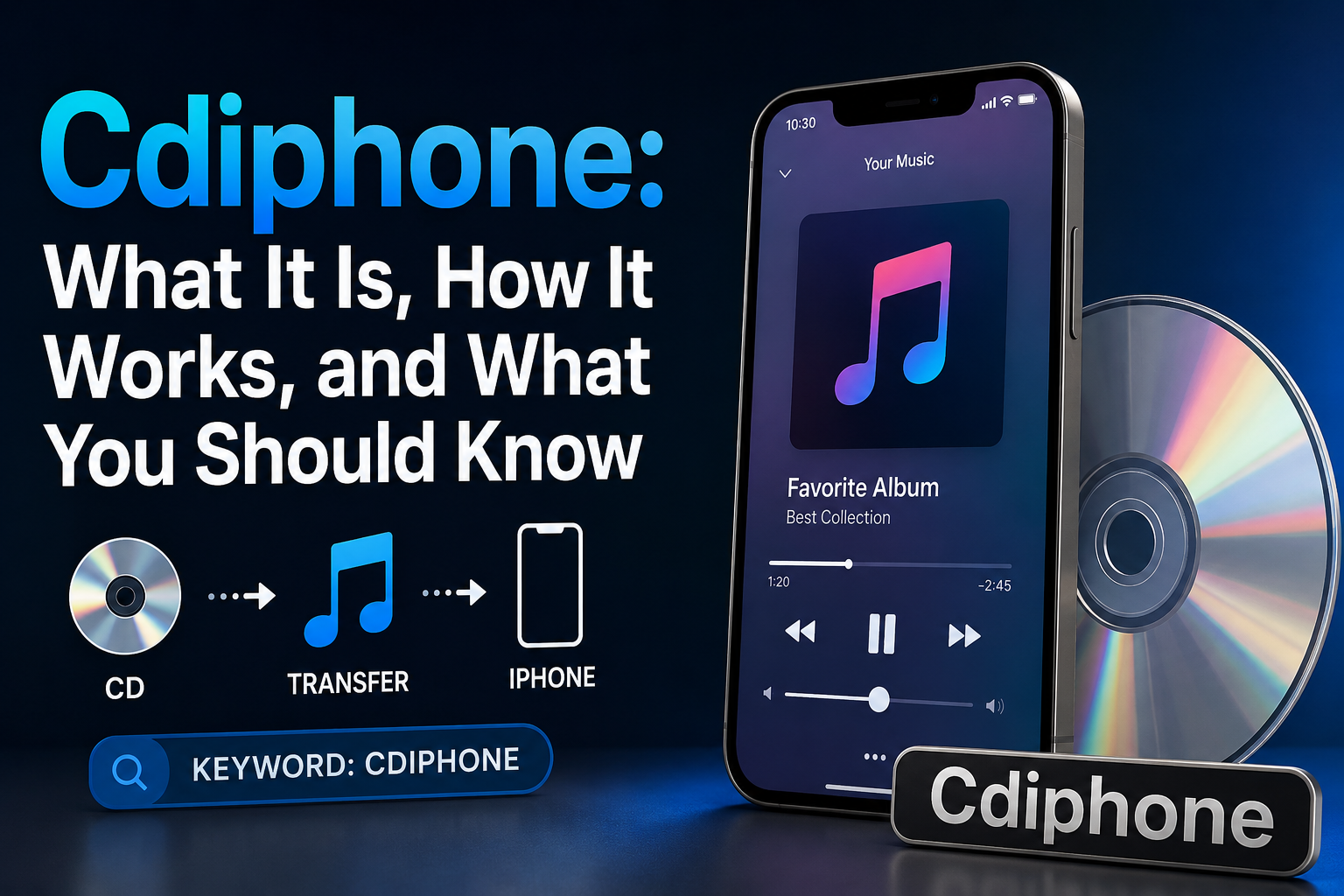
CD → computer CD drive → digital music files → music library → iPhone
This is different from a hypothetical phone with a physical CD drive. The phone does not read the disc itself. Instead, the computer performs the optical reading and creates the digital music files.
Why the Term Can Be Confusing
Cdiphone has no single established definition. Some online sources describe it as a concept, while others use it when discussing CD music transfers or hypothetical mobile technology.
This makes context especially important.
If the term appears in a music discussion, it may refer to transferring CD tracks to an iPhone. If it appears beside concept images, it may describe an imagined hybrid phone. If it appears in a technical discussion, it may have an unrelated meaning.
The safest approach is to check the source and determine exactly what the writer means by Cdiphone before accepting any product or technical claim.
Frequently Asked Questions
Is Cdiphone made by Apple?
No. Cdiphone is not a confirmed official Apple product name.
Does Cdiphone have a CD slot?
There is no official Cdiphone device with a confirmed CD slot. Images or descriptions showing such a feature are generally related to concepts or unofficial ideas.
Can I put CD music on an iPhone?
Yes. CD music can be imported to a computer as digital audio and then transferred or synced to an iPhone using a suitable music management method.
Do I need a special Cdiphone app?
No specific official Cdiphone app exists. The software needed depends on how the CD music is imported and managed.
Is Cdiphone the same as an iPhone?
No. Cdiphone is not an official iPhone model. It is an informal term used in different online contexts.
Why do people search for Cdiphone?
People may search for the term because they want information about CD music on iPhones, hypothetical CD and smartphone combinations, or content that uses Cdiphone as a keyword.
Can a modern iPhone replace a CD player?
An iPhone can play digital copies of music originally stored on CDs, but it cannot normally read a physical CD by itself. The disc must first be read by a compatible optical drive.
What is the safest way to research Cdiphone?
Use reliable sources and separate confirmed information from concepts and speculation. For Apple product claims, official Apple documentation and announcements are more reliable than blogs or social media posts.
About the Author